
Best Digital Evaluation Software for Universities in India
How to choose digital evaluation software for an Indian university: a fair comparison of options, what exam leaders are asking about AI and grievances, and a 12-point demo checklist.
The semester exams ended on Friday. By Monday, the strong room is full of answer book bundles, three examiners have already asked when their packets will arrive, and the result date printed in the academic calendar is starting to look optimistic. You know that somewhere in that pile a page will go missing, a total will be added wrong, and a re-evaluation request will arrive that nobody can trace.
If you are shortlisting digital evaluation software for your university, you are probably past the question of why and into the harder question of which. This guide compares the main types of on-screen marking and digital evaluation systems available to Indian universities, answers the questions exam leaders are asking right now, and gives you a checklist for every demo. You can also see how the iCloudEMS Digital Evaluation solution handles the full cycle, from scanned answer sheet to published result.
Why the choice of evaluation software matters now
The scale of Indian higher education makes evaluation a high-stakes operation. According to the Ministry of Education’s All India Survey on Higher Education (AISHE) 2023-24, India has 1,289 universities and university-level institutions, 546 of them private (un-aided), along with 48,246 registered colleges. Total enrolment has reached nearly 4.5 crore students, and the Gross Enrolment Ratio for the 18-23 age group has risen to 30.0.
Every one of those students writes exams, and every answer sheet has to be marked, moderated, compiled and published on time. At the same time, accreditation is becoming more evidence-driven. NAAC’s website lists 511 universities as accredited (status as on 12 December 2025), and NAAC is moving to new Binary Accreditation and Maturity-Based Graded Levels under its 2024 reforms. Evaluation records are part of the evidence an institution must be able to produce.
Put simply: more scripts, tighter result calendars and higher expectations of transparency. Paper evaluation struggles with all three.
What digital evaluation software should actually do
Digital evaluation software (also called an on-screen marking system, OSM software or on-screen evaluation software) replaces the physical movement of answer books with scanned images that examiners mark on screen. But on-screen marking is only one step. The software you choose has to carry the whole evaluation cycle without gaps:
- Scanning and upload of every answer sheet, with a check that no page is missing.
- Anonymous allocation, usually through barcodes, so examiners never see a student’s identity.
- Question-by-question marking on screen, so totals are calculated by the system rather than by hand.
- Moderation by senior examiners inside the same system.
- Re-evaluation and challenge workflows that trace back to the original marking.
- Mark compilation and result publication without re-typing marks into another system.
If any step happens outside the software, on paper or in a spreadsheet, that is where errors and delays return. Every time a mark is copied by hand, it can change.
What exam leaders are asking right now
Conversations among Controllers of Examinations and academic leaders on LinkedIn, and at national CoE conclaves, keep returning to a few themes. They are worth answering before you choose any system.
“If AI marks the paper, who defends the final grade?”
Some universities are experimenting with AI in paper setting and answer sheet evaluation. The concern exam leaders raise is accountability: a published result has to be explainable, mark by mark. Whatever role AI plays, make sure a human examiner gives the final mark, moderation is built in, and every change is recorded in a time-stamped audit trail.
“We went digital, but examiners are still exhausted.”
Digitising scanning does not automatically reduce examiner effort. If examiners still enter marks in a separate step or add totals themselves, the workload barely changes. Question-by-question marking with automatic totals is what removes the most tiring parts of evaluation.
“How do we handle grievances transparently?”
Students and parents expect clear, timely answers to re-evaluation requests. That is only possible when the original marking, any moderator change and the challenge outcome sit in one record.
“Does our evaluation data support outcome-based education?”
With NEP 2020 placing emphasis on outcome-based education, exam data is increasingly expected to show attainment of course and programme outcomes, not just marks. Evaluation software that links questions to learning outcomes saves IQAC weeks of rework.
The main types of options, compared fairly
Most universities in India end up choosing between four broad approaches. Each can work. The right one depends on your exam volume, your in-house team and how much of the cycle you want to control.
| Option | What it covers | Where it works well | What to watch |
|---|---|---|---|
| Manual evaluation with spreadsheets | Physical answer books, marks entered into Excel | Small exam volumes, single campus | Lost pages, totalling errors, slow re-evaluation, little audit trail |
| Standalone on-screen marking tool | Scanning and on-screen marking only | Universities that want to digitise marking first | Results, moderation or student records may sit in separate systems, so marks are exported and re-imported |
| Outsourced evaluation service | A vendor runs scanning centres and manages the process | Institutions without an internal team for scanning | Less day-to-day visibility; check who holds the data and the audit trail |
| Evaluation inside a connected university platform | Scanning, marking, moderation, results and student records in one system | Universities that want one source of truth from exam to result | Needs planning across the exam cell and IT, not just a single department |
There is no single “best” digital evaluation software for every institution. What matters is how many hand-offs remain between the answer sheet and the published result. Every hand-off is a place where a mark can be lost or changed.
Five things that separate a good choice from a risky one
1. Anonymity that holds up under scrutiny
Barcode-based allocation should hide the student’s roll number and name from the examiner completely. Ask the vendor to show you exactly what an examiner sees on screen.
2. A time-stamped audit trail
When a student challenges a mark, you need to show who marked each question, when, and whether a moderator changed it. If the vendor cannot produce this trail during the demo, it will not appear during a dispute either.
3. Moderation and re-evaluation inside the system
Re-checking that happens over email or on printed copies breaks the chain of evidence. Moderation, re-totalling and challenge workflows should run in the same software as the original marking.
4. Results without re-typing
Marks compiled automatically from question-wise scores remove the most common source of result errors. Ask how marks move from evaluation to result publication, and whether anyone has to touch them in between.
5. Visibility for the exam cell
A live dashboard showing how many scripts are scanned, evaluated, pending moderation and published lets the Controller of Examinations act early instead of discovering a backlog in the final week.
How iCloudEMS Handles the Evaluation Cycle, from Scan to Result
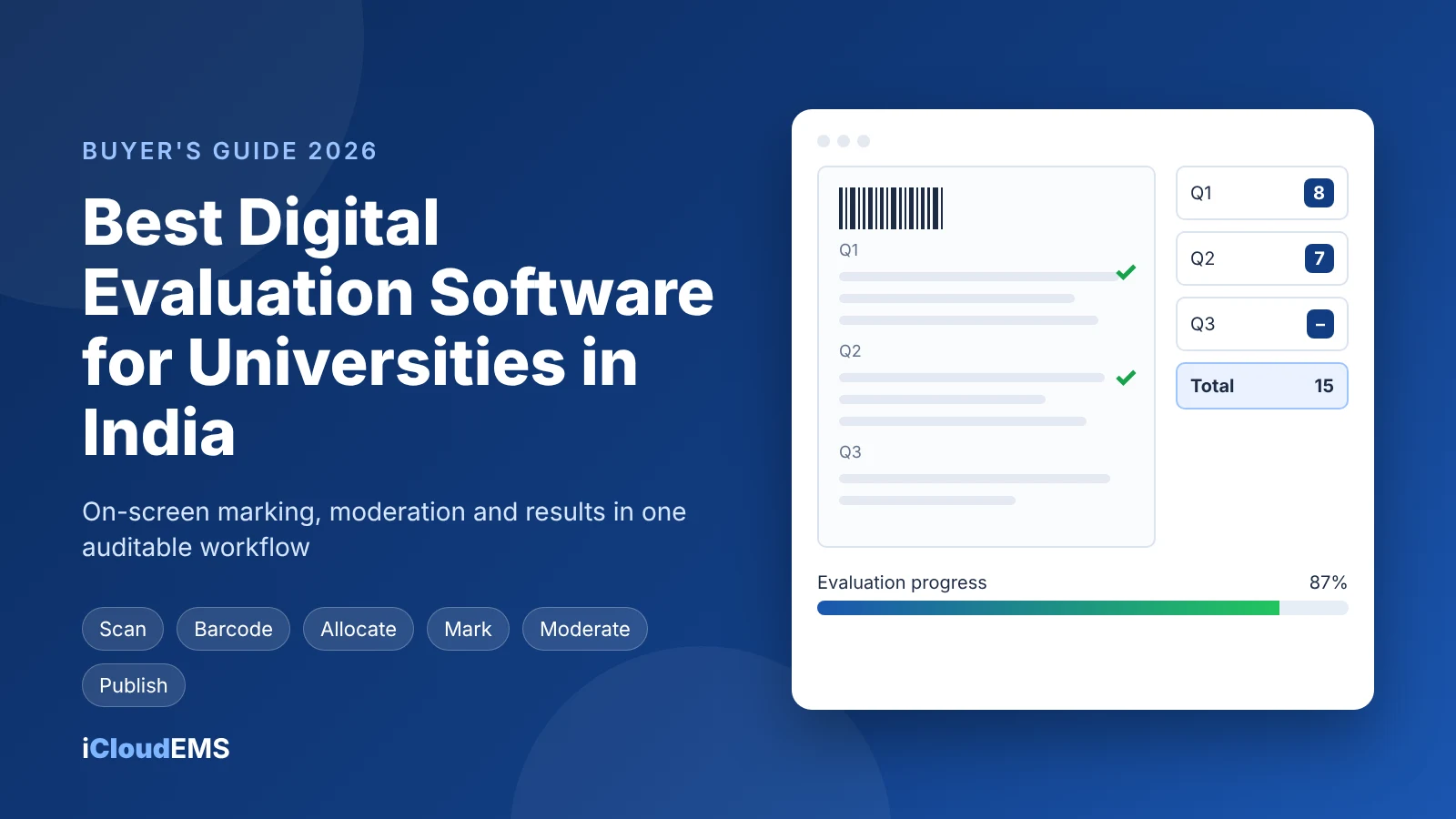
iCloudEMS is a cloud-based university management platform used by 150+ institutions across India and the UAE. Its Digital Evaluation solution follows a six-step workflow: scan, barcode, allocate, mark on screen, moderate and publish.
- Answer sheet scanning and upload, so no physical paper moves between examiners.
- Barcode-based anonymous allocation with secure digital allocation to examiners.
- Question-by-question on-screen marking, with marks compiled automatically.
- Built-in moderation, re-evaluation and challenge workflows that run inside the same system.
- A time-stamped audit trail for every step of the evaluation cycle.
- Automatic mark compilation and result publication.
- A live evaluation dashboard showing scanned, evaluated, pending moderation and published scripts.
- AI question banks aligned with Bloom’s Taxonomy and mapped to CO-PO, so evaluation data can also serve as accreditation evidence.
Examiners give every mark; AI in iCloudEMS supports question bank creation, not the final grade. Because evaluation sits inside the wider platform, the same data supports NAAC, NBA and AISHE reporting and appears on the role dashboard for the Controller of Examinations.
Proof from a large university: Galgotias University evaluated 5,00,000 answer sheets on screen in 10 days with iCloudEMS, spent 50% less time on evaluation and processed results in 7 days. Eleven years of its data were migrated to the platform. Read the Galgotias University case study.
Questions to ask in every demo
Take this list into every vendor presentation and ask each vendor to show, not tell.
- Show me exactly what an examiner sees. Is any student identity visible?
- How do you detect a missing or unreadable page after scanning?
- How are scripts written in regional languages, or with diagrams and equations, displayed and marked?
- Show me the audit trail for a single answer sheet, from scan to result.
- How does moderation work, and who can change a mark after it is submitted?
- How is a re-evaluation request handled, and is the original marking preserved?
- If AI is used anywhere, who gives the final mark and how is it recorded?
- How do marks move to result publication? Does anyone re-enter them?
- What does the Controller of Examinations see on the live dashboard?
- How does evaluation data connect to accreditation and OBE reporting?
- Who handles data migration, and how long did your largest migration take?
- Can we speak to a university of similar size that runs this today?
If you are the Vice Chancellor or management
Your concern is not the software. It is the risk of a delayed result, a public re-evaluation dispute or an accreditation visit where evaluation records are incomplete. Three questions to put to your team:
- What does a delayed result cost us? Late results affect student progression, placements and admissions for the next cycle.
- Can we defend every mark? If a student, an RTI applicant or a court asks how a mark was given, can the exam cell show the trail within a day?
- Will this connect to the rest of the university? A standalone tool may solve evaluation but leave results, records and accreditation data in separate places.
Ask for a phased rollout plan with a pilot subject or programme, clear timelines and named owners on both sides.
If you are the IT head
Your job is to make sure the system works on result day and that the data stays protected. Check these points in the demo:
- Architecture: Is the platform cloud-native, and what does your team need to maintain?
- Access control: Can access be scoped by role, so examiners see only their allocated scripts?
- Scanning setup: What hardware, bandwidth and staffing does the scanning centre need, including at smaller campuses?
- Integration: How does evaluation data reach results, student records and accreditation reports?
- Data protection: Who can view scanned answer sheets, and how are access logs kept? Review this against your obligations under the Digital Personal Data Protection Act, 2023 (this is not legal advice; consult your legal team).
- Migration and support: Who migrates legacy data, and what support is available during the evaluation window?
Your next step
The best way to judge digital evaluation software is to watch your own exam cell’s process run on screen. Book a demo of iCloudEMS Digital Evaluation, or talk to our team about your next exam cycle.
Frequently asked questions
What is digital evaluation software?
Digital evaluation software lets universities scan answer sheets and have examiners mark them on screen instead of on paper. Good systems also handle anonymous allocation, moderation, re-evaluation and result publication, with a time-stamped audit trail.
Is digital evaluation the same as on-screen marking (OSM)?
On-screen marking is one step in the process. Digital evaluation software should cover the full cycle, from scanning and barcode-based allocation to moderation, re-evaluation, mark compilation and result publication.
Which is the best digital evaluation software for universities in India?
There is no single best option for every university. Compare how many hand-offs remain between the answer sheet and the published result, and check anonymity, the audit trail, built-in moderation and automatic result compilation in a live demo.
Can AI evaluate university answer sheets?
Some universities are testing AI in evaluation, but the final mark should stay with a human examiner, with moderation and a time-stamped audit trail. In iCloudEMS, examiners give every mark and AI supports question bank creation.
Is digital evaluation suitable for large universities?
Yes. Galgotias University evaluated 5,00,000 answer sheets on screen in 10 days using iCloudEMS, spent 50% less time on evaluation and processed results in 7 days.
How does digital evaluation keep marking anonymous?
Each answer sheet is given a barcode after scanning, and scripts are allocated to examiners digitally. Examiners see the answers but not the student’s name or roll number.
How does digital evaluation help with re-evaluation and RTI requests?
The original marking, any moderator changes and the challenge outcome are kept in one time-stamped record, so the exam cell can show exactly how each mark was given.
Sources
- Ministry of Education, All India Survey on Higher Education (AISHE) Final Report 2023-24: https://aishe.gov.in/
- National Assessment and Accreditation Council (NAAC), accredited institutions and NAAC Reforms 2024: https://naac.gov.in/index.php/en/
- iCloudEMS, Digital Evaluation solution: https://icloudems.com/solutions/digital-evaluation/
- iCloudEMS, Platform and products: https://icloudems.com/products/
- iCloudEMS, Galgotias University case study: https://icloudems.com/galgotias-university-digital-evaluation-case-study/
- Ministry of Electronics and Information Technology, Digital Personal Data Protection Act, 2023: https://www.meity.gov.in/static/uploads/2024/06/2bf1f0e9f04e6fb4f8fef35e82c42aa5.pdf