
Who Can See Your Students’ Scanned Answer Sheets? Data Security in Digital Evaluation
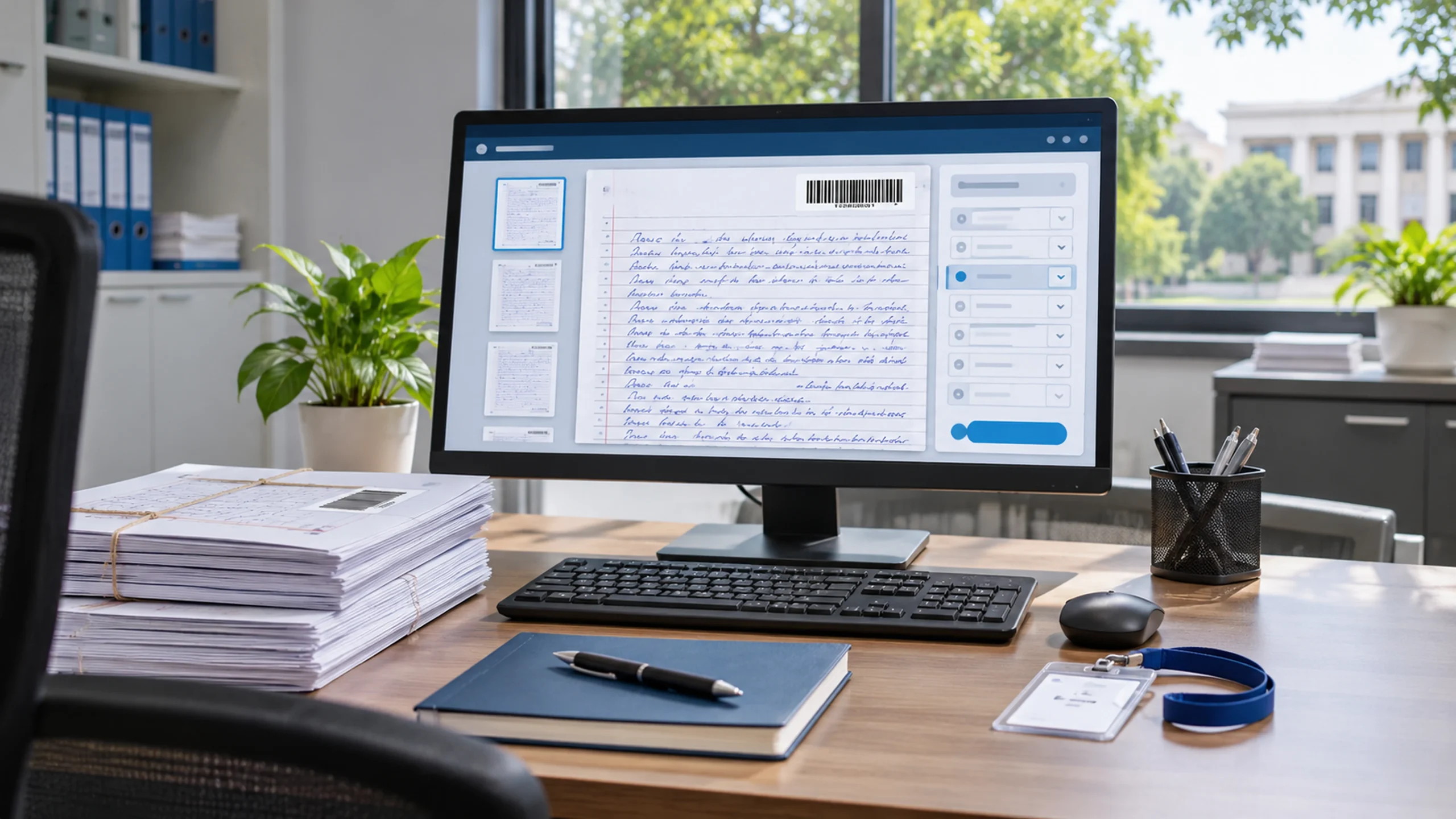
An examiner takes a photo of an unusual answer on their screen and forwards it to a colleague “just for a laugh”. By evening it is in a WhatsApp group, and by the next morning a parent is on the phone to the Registrar asking how their child’s answer sheet ended up online.
That is the fear many IT heads and Registrars carry when someone proposes on-screen evaluation. It is a fair fear. When answer books were on paper, they sat in a locked strong room. Once they are scanned, copies can multiply quickly unless the system and the process are designed to stop it. This guide explains where the real risks are, what India’s data protection law expects, and the questions to ask before you move a single script online.
Why digital evaluation changes the security question
Paper has its own risks: lost bundles, tampering during transport, scripts left in an examiner’s car. But paper is hard to copy at scale. A digital image can be copied, downloaded, screenshotted or emailed in seconds.
So the question is not “is digital safer than paper?” A well-run digital evaluation system removes most paper risks. The real question is: who can see each scanned script, for how long, and can you prove it?
Is a scanned answer sheet personal data?
In most cases, yes. Even when the student’s name is hidden behind a barcode, an answer sheet links back to an identifiable student through that barcode, and it often contains other personal details: the student’s handwriting and signature, sometimes a name written inside by mistake, and the marks awarded. Marks and results are clearly about the student.
That brings answer sheets within the scope of the Digital Personal Data Protection Act, 2023 (DPDP Act), which governs how organisations in India process digital personal data (DPDP Act, 2023).
What the DPDP Act means for your evaluation process
This is a summary, not legal advice. Your legal team should confirm how the Act and its rules apply to your institution, including the current commencement dates notified by the government.
Your university is responsible, even if a vendor runs the system
Under the Act, the organisation that decides why and how personal data is processed is the “Data Fiduciary” (Section 2(i)). For examinations, that is your university. A software vendor that stores or processes scripts for you acts on your behalf, but Section 8(5) requires the Data Fiduciary to take “reasonable security safeguards to prevent personal data breach”, including for processing done by its processors. Outsourcing the software does not outsource the responsibility.
You must report breaches
If a personal data breach happens, Section 8(6) requires the Data Fiduciary to inform the Data Protection Board and each affected person. The Act defines a breach widely: unauthorised processing, or accidental disclosure, alteration, loss or destruction of personal data (Section 2(u)). A leaked answer sheet image is exactly that.
You should not keep scripts forever
Section 8(7) requires personal data to be erased once its purpose is served, unless another law requires it to be kept. Exam cells usually retain answer books for a set period for re-evaluation, RTI and audit. Agree that retention period in writing, and make sure scanned copies are deleted on schedule, not forgotten on a server.
Many first-year students are minors
The Act defines a child as anyone under 18 (Section 2(f)) and adds extra protections for children’s data in Section 9, including verifiable consent from a parent or guardian. Many students start their first year at 17, so some of your examination data may be children’s data. This is worth raising with your legal team now.
The penalties are serious
The Schedule to the Act sets maximum penalties of up to ₹250 crore for failing to take reasonable security safeguards, and up to ₹200 crore each for failing to notify a breach or to meet the obligations for children’s data.
Where scanned answer sheets can leak
Most leaks do not come from hackers. They come from ordinary gaps in everyday processes. Check each of these points in your own evaluation cycle:
- The scanning centre: staff handling both paper and images, local copies left on scanning computers.
- Shared logins: examiners sharing a username with a colleague or assistant.
- Download and print options: if an examiner can save a script, you no longer control it.
- Screens and phones: a phone camera can capture any screen. You cannot stop this with software alone, so policy and deterrence matter.
- Old accounts: examiners from last semester who can still log in.
- Re-evaluation and photocopy requests: scripts sent by email to students or second examiners.
- Vendor access and backups: who at the vendor can open your scripts, and where backup copies are stored.
A practical security checklist for exam cells
- Hide identity: examiners see a barcode, never a name or roll number.
- Give each person only what they need: an examiner sees only the scripts allocated to them, and only during the evaluation window.
- One person, one login: no shared accounts, and strong passwords or OTP-based login.
- Block downloads: scripts are viewed inside the system, not saved to the examiner’s computer.
- Log everything: every view, mark entry and change is recorded with a user name and time stamp.
- Close accounts after each cycle: deactivate examiner access as soon as evaluation and moderation are complete.
- Share re-evaluation copies securely: through a student portal or controlled link, not email attachments.
- Set a retention and deletion schedule: in writing, approved by the competent authority.
- Write a breach response plan: who is informed, by whom, and within what time.
- Get examiner undertakings: a short signed declaration that they will not photograph, copy or share scripts.
Ten questions to ask any digital evaluation vendor
- Where are scanned scripts stored, and in which country?
- Can an examiner download, print or copy a script?
- How is student identity hidden from examiners?
- What exactly does the audit log record, and can we export it?
- How quickly can we deactivate all examiner accounts after a cycle?
- Which of your staff can access our scripts, and is that access logged?
- How are backups protected, and how long are they kept?
- How are re-evaluation copies shared with students?
- How will you inform us if there is a breach, and how fast?
- Will you delete our data on request when the retention period ends, and confirm it in writing?
Ask the vendor to show the answers live in the demo, not only in a presentation.
What to tell your examiners
Examiners are your partners in security, not suspects. A short briefing before each cycle helps: explain why scripts are anonymous, that every action is logged, that photographing scripts is a disciplinary matter, and who to call if they see anything unusual. Most examiners respect rules they understand.
If you are the Vice Chancellor or management
A leaked answer sheet is a reputation problem first and a legal problem second. Ask your team three things: who owns examination data security, whether the vendor contract covers breach reporting and data deletion, and whether a written retention schedule has been approved. These are low-cost steps that protect the university if something goes wrong.
If you are the IT head
Treat digital evaluation like any other system holding sensitive student data. Review access roles before each cycle, insist on individual logins, confirm that audit logs cannot be edited, and check where data and backups are hosted. Also check how the evaluation system connects to your student records. Every manual export of marks into spreadsheets creates another copy you have to protect.
How iCloudEMS approaches answer sheet security
The iCloudEMS Digital Evaluation solution is designed around an anonymous, auditable evaluation cycle. Features described on the iCloudEMS website include:
- Barcode-based anonymous checking, so examiners do not see student identities.
- Secure digital allocation of scripts to examiners.
- A time-stamped audit trail of every step, from barcode to published result.
- Re-evaluation and challenge workflows inside the same system, so scripts do not need to travel by email.
- One platform for evaluation, results and student records, which reduces the number of exports and copies of marks.
Every university’s security requirements are different. In an iCloudEMS demo, ask the team to walk you through access roles, audit logs and data handling for your own evaluation process.
Frequently asked questions
Is a scanned answer sheet personal data under the DPDP Act?
In most cases, yes. Even with a barcode instead of a name, the script can be linked to an identifiable student and contains marks, handwriting and sometimes signatures.
Who is responsible if a vendor’s system leaks answer sheets?
Under the DPDP Act, the Data Fiduciary, which for examinations is usually the university, must take reasonable security safeguards, including for processing done by its vendors.
Can examiners download answer sheets in digital evaluation?
That depends on the system. A secure setup lets examiners view and mark scripts inside the system without saving them. Ask your vendor to show this in the demo.
How long should a university keep scanned answer sheets?
Only as long as needed for re-evaluation, RTI, audit and any legal requirement. Agree a written retention period and delete scanned copies when it ends.
What should a university do if an answer sheet is leaked?
Follow your breach response plan: contain the leak, identify the source from the audit log, inform the affected students and the Data Protection Board as required, and fix the gap.
See how answer sheets are protected, step by step
If security is the reason your university has not moved to digital evaluation yet, see the controls for yourself. Book a demo with iCloudEMS and bring your IT head, or contact the team with your security questions.
Sources
- Digital Personal Data Protection Act, 2023 (Sections 2, 8 and 9 and the Schedule): https://www.meity.gov.in/static/uploads/2024/06/2bf1f0e9f04e6fb4f8fef35e82c42aa5.pdf
- iCloudEMS Digital Evaluation page: https://www.icloudems.com/solutions/digital-evaluation/